AI-Generated Follow-up Questions for AI Collaboration Tasks
TroubleshootingIn AI Collaboration and Practice tasks, this feature allows the AI to automatically generate follow-up questions based on a candidate's submission.
The "deep-dive perspective" generation feature, previously available for System Design and Algorithm tasks, is now available for AI Collaboration and Practice tasks. Use this as a support tool to smoothly conduct technical deep-dives during interviews.
Key Features
- Direct Comments on Pull Requests: Generated follow-up points are added directly as comments on the relevant lines of the Pull Request (PR).
- Clear Prioritization: Each review comment is assigned one of three priority levels—P1 (Critical), P2 (Medium), or P3 (Low)—enabling efficient review.
How to Use
-
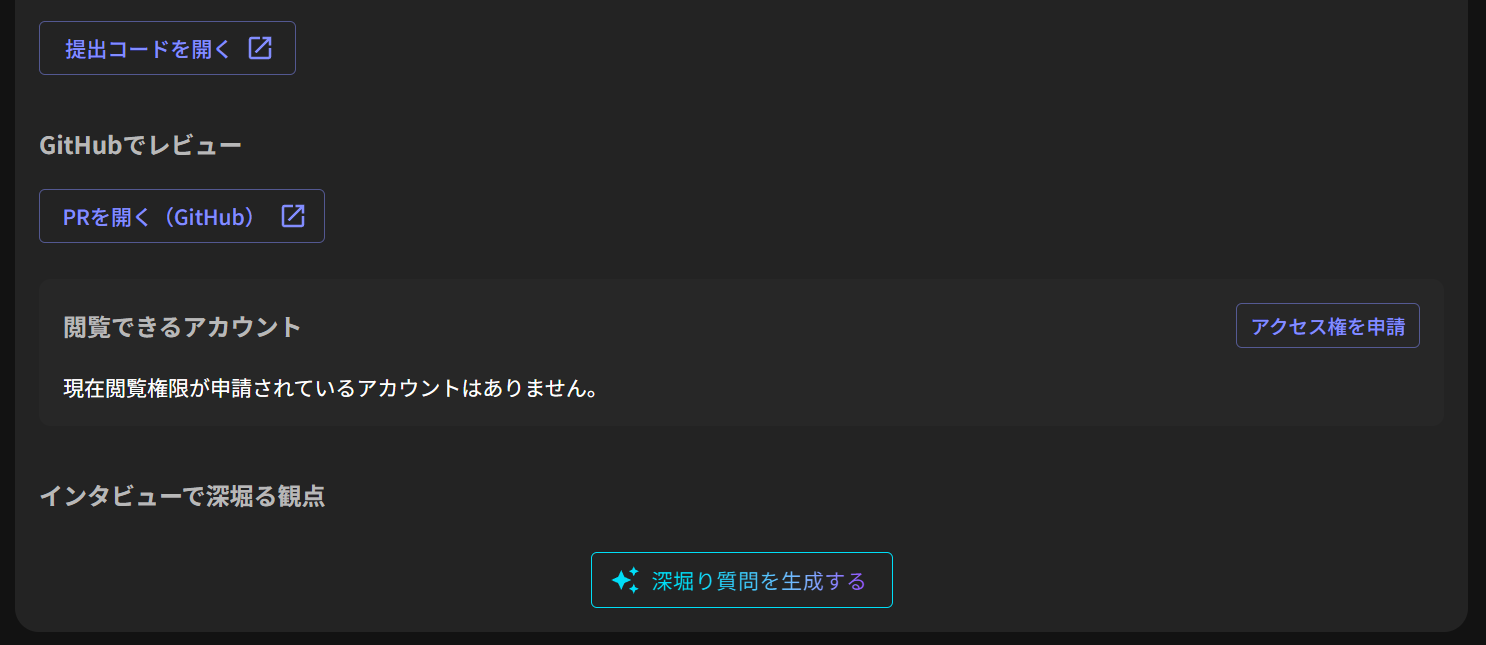
Start Generation: After the candidate submits the task, click the generation button in the "Follow-up questions for the interview" section at the bottom of the screen.
-
Check Status: The generation process will begin, and a status screen displaying "AI is generating content" will appear.
-
Open the PR: Once generation is complete, a message saying "Follow-up points have been commented on the PR" and an "Open PR" button will be displayed.
-
Review Comments: Click the "Open PR" button to go to GitHub, where you can conduct your evaluation while reviewing the comments on the code.
Important
Please keep the following points in mind when using this feature:
- Processing Time: It typically takes 3 to 6 minutes for the question generation process to complete.
- Access Rights: To view comments on the Pull Request, you must request and add review access on GitHub in advance. For details, please refer to How to review GitHub submissions.
- Retrying: If the generation process fails, an error screen will appear. Click the "Retry" button on the screen to run the generation again.