demonstrate-test
Getting StartedYou can take a demo test before starting the actual test to familiarize yourself with how to use the tool and how to proceed with the test.
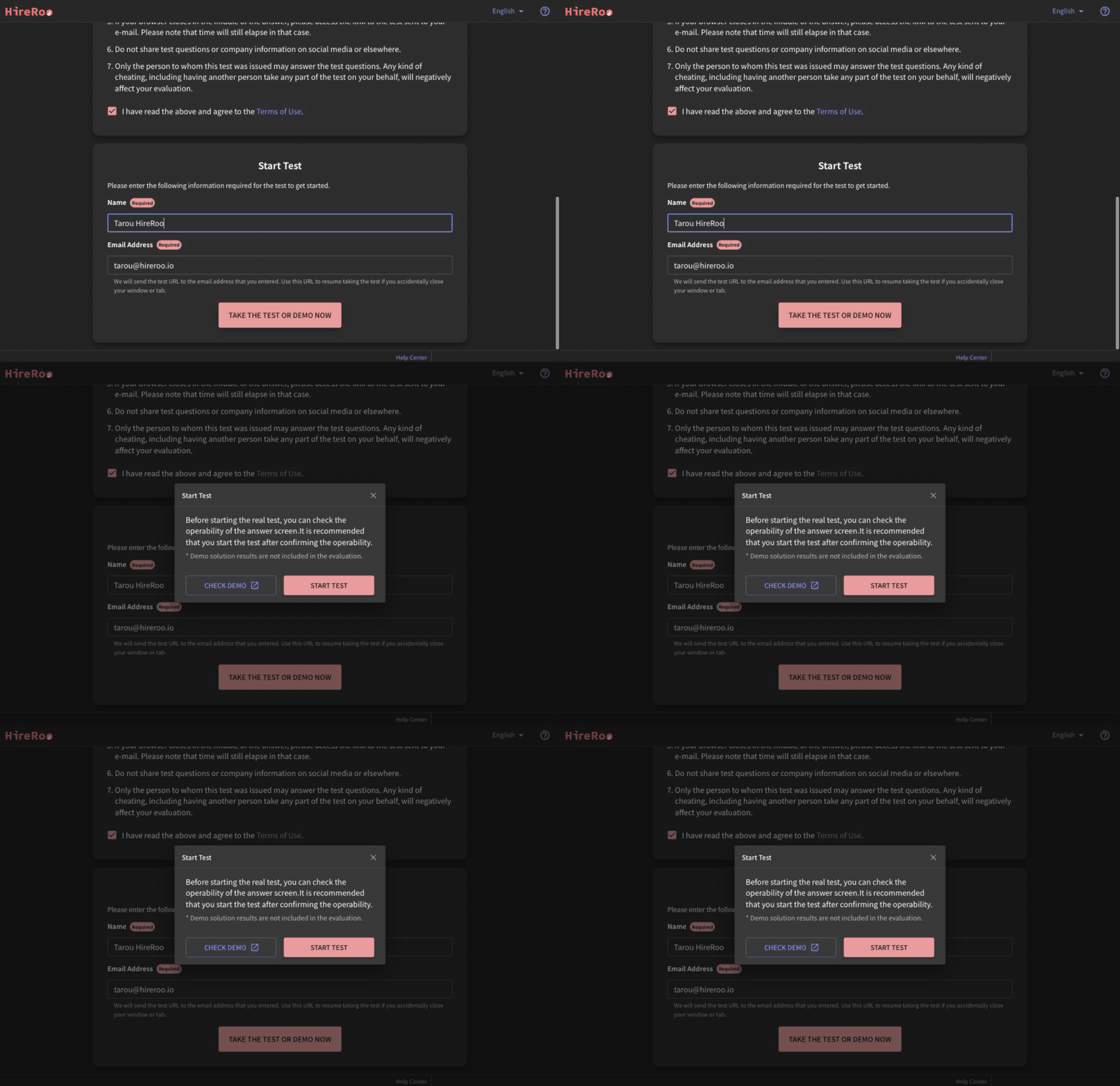
- Click the test URL, then click the "Take the Test or Demo Now" button at the bottom of the test start screen. In the dialog that appears, click "Check Demo" to start the demo test in a new tab.
- The demo test will automatically select questions in the same format as those that will appear in the actual test. For example, if the actual test includes algorithm and system design questions, you can take a demo test that includes questions in both of these formats.
- You can answer each question by clicking the "Q1"~ buttons in the upper left corner of the answer screen.
- You can take the demo test as many times as you like and end it at any time.